
Alerts from employers’ own sites
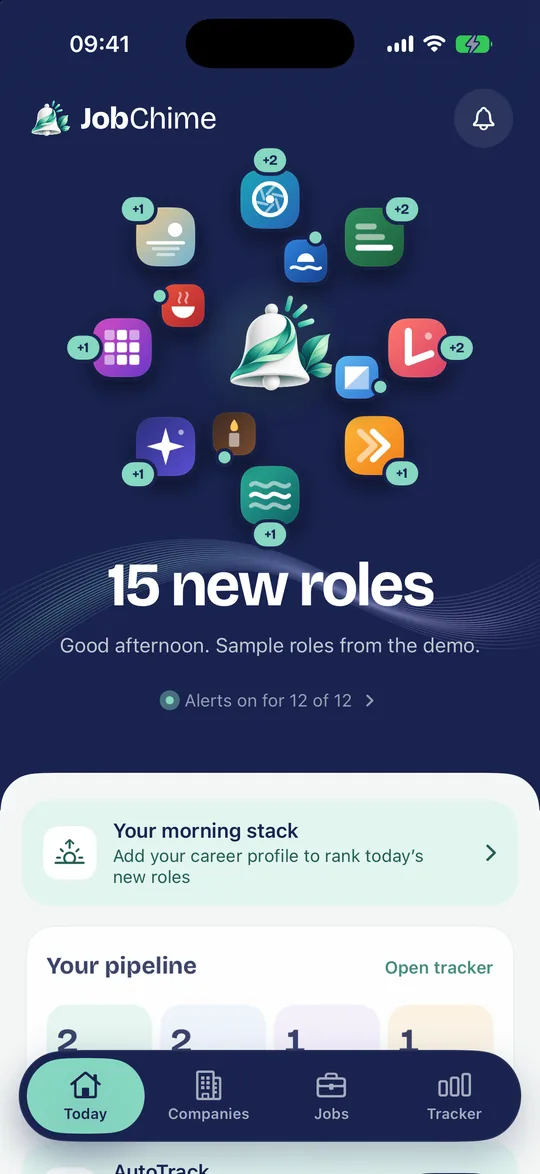
Follow the companies you’d like to work for and hear about new roles first, from the source.
-
Follow employers
Find companies in Discover, or add one from its careers page link. Following and alerts sync through your iCloud. -
New-role alerts
A notification when a followed employer posts a new role on its careers site. Today gathers what’s new. -
Search every job
Search all the roles in JobChime’s index on your iPhone, by keyword, place, remote work, pay, early careers and how recently they were posted. -
Graduate and early-careers mode
Graduate schemes, internships, placements and apprenticeships, tagged on job cards, with a calendar of schemes opening and closing. -
Smart alertsJobChime Pro feature
Only get alerts for the roles that fit your criteria, for every employer or one at a time. -
Visa sponsorship modeJobChime Pro feature
For candidates who need a UK or US visa. Filter and label roles by what the posting says about sponsorship and by public sponsor records.
Know the company
Facts about the employer, how it treats applicants, and research to prepare with.
-
Company pages
Open roles, what the company does, where it’s based and how big it is, each fact with its source. -
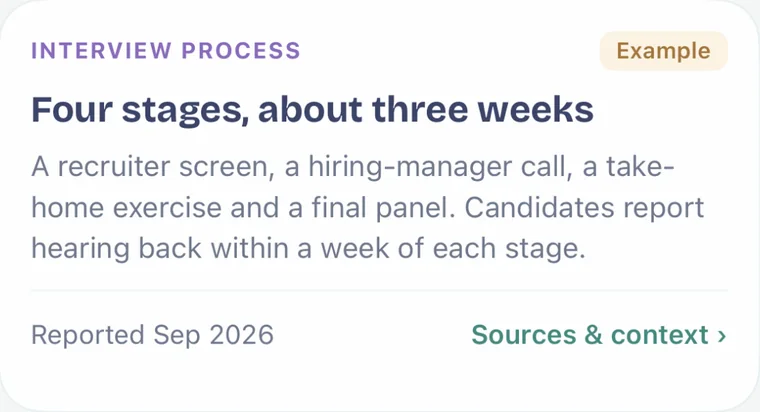
How employers treat applicants
Reply rates, typical reply times, interview stages and how often people hear nothing after an interview, from anonymous outcomes people choose to share. Shown only with at least 10 applications behind a figure. -
Company insightsJobChime Pro feature
Eighteen topics across hiring, the workplace and company news, each linked to its sources, with unknowns stated plainly. -
Pay insightJobChime Pro feature
Typical published pay for a role family at an employer, from the ranges it advertises. -
Job quality signalsJobChime Pro feature
Small badges on job pages for signals reviewed by JobChime, each with a one-line explanation.
Track every application
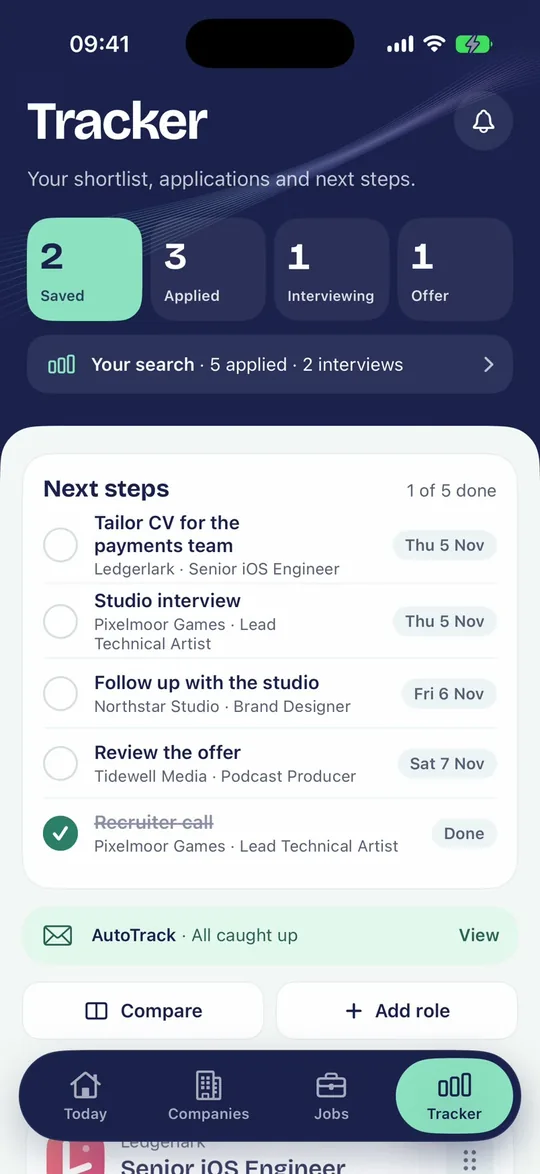
One Tracker for every role you’re interested in, from saving it to the outcome.
-
Tracker stages
Saved, Applied, Interviewing and Offer, with priority, an applied date you can edit, your own fit rating and the outcome. -
Next steps and reminders
Deadlines, interviews and tasks for the next seven days, upcoming, overdue and done, with optional reminders and calendar export. Your notes never appear in reminders. -
Notes, contacts and documents
Keep notes, contacts and the documents you sent with each application. Files stay on your device. -
Roles you add yourself
Add roles found elsewhere, compare up to three saved roles, and keep a copy of a listing after the employer takes it down. -
AutoTrack
Connect Outlook and JobChime updates your Tracker from application emails, checked on your iPhone. Free covers five active applications; Pro removes the limit. -
Promise tracker
When an employer says you’ll hear by a date, the Tracker shows it, and once it passes, offers a polite chase. Pro adds an alert the morning after. -
Closure, not silence
When a role closes on the employer’s site with no reply, JobChime says so calmly and lets you mark it as no response. -
Scam shield
Warns when an email has signs of a recruitment scam, with the reasons and the official advice. It never hides or deletes anything.
Apply with less typing
You always apply on the employer’s own site. JobChime helps you get there ready.
-
Readable job pages
Key facts under the title and the description in sections you can open and close, with take-home pay and commute times worked out on your iPhone. -
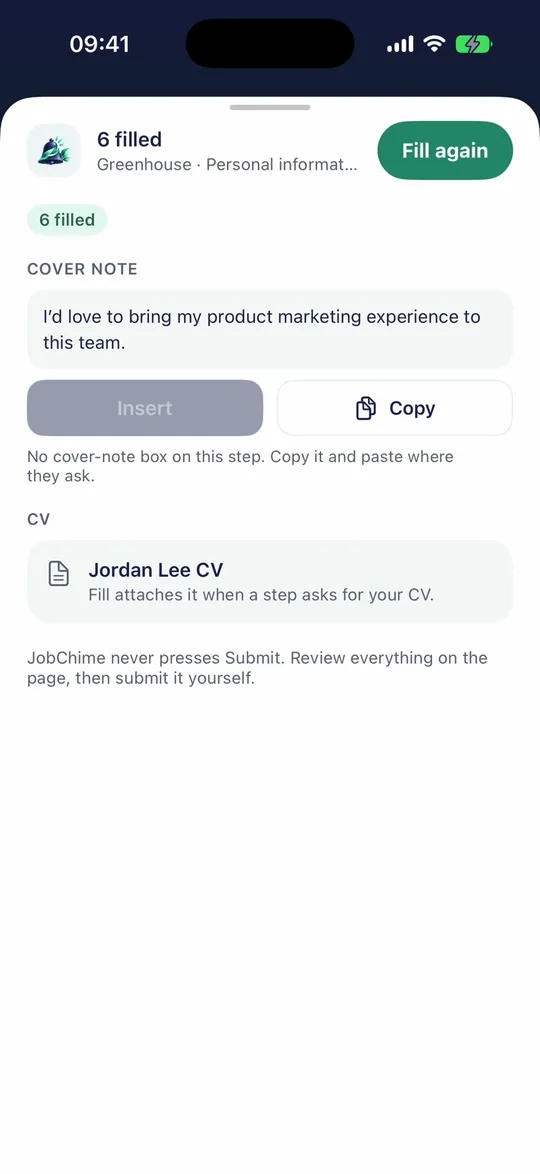
JobChime Apply
Fill in application forms from your career profile, in Safari or JobChime’s own apply browser. You check everything and tap Submit yourself. -
“Did you submit?”
After you apply, JobChime asks. Only a Yes moves the role to Applied, so your Tracker stays true. -
Your match
How many of a role’s requirements your career profile matches. Pro shows each requirement and why. -
Morning stackJobChime Pro feature
New matches, best first, each with a cover note drafted on your iPhone for you to edit. -
Saved answers and more profilesJobChime Pro feature
Extra career profiles, CV versions and saved answers to common application questions.
Interview day
Know what’s next, get ready, and keep track of how it went.
-
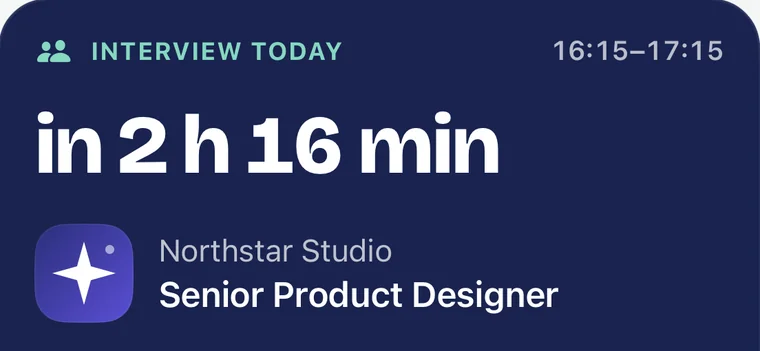
Interview today
On the day, your interview sits at the top of Today, with a card the evening before. Afterwards, JobChime asks how it went. -
Preparation pack
A three-part preparation pack for each application, and checklists on each interview or assessment step. -
Invitations in, steps out
Turn an interview invitation, as text or a screenshot, into a step with its date, place and link. Photos are read on your iPhone and not kept. -
Take-home tasks
Note the time limit on an assessment, run a timer and keep a copy of what you sent.
Offers and hard times
Decide with the facts in front of you, and get help when the search is tough.
-
Compare offers
Put offers side by side and compare them on what matters to you. -
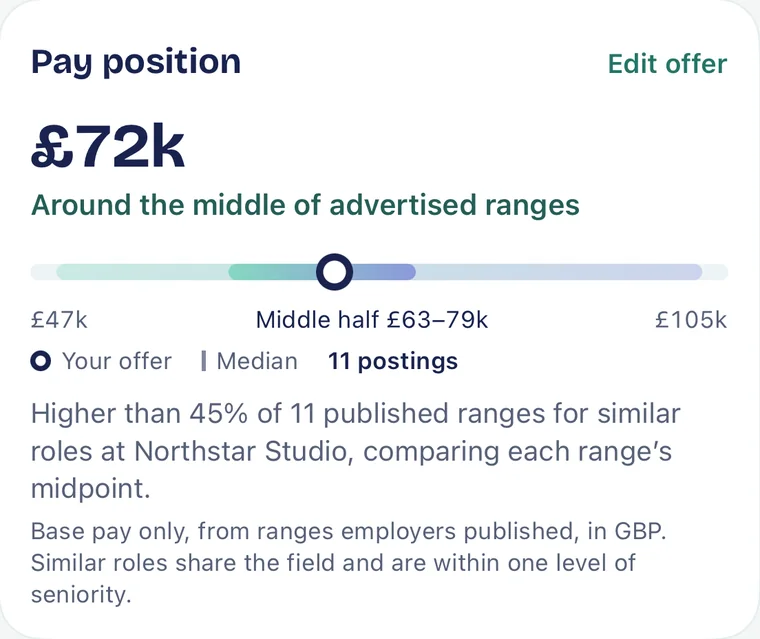
Offer companionJobChime Pro feature
Where the base pay sits against published ranges, a counter-offer email to edit, and a checklist so you don’t resign before an offer is unconditional. -
Laid off? Start here
A free guided start if you’ve been made redundant, from the app’s onboarding or Settings. -
Your search
Totals and the funnel of your search, worked out on your iPhone. Pro adds rates, timing and what’s working. -
Weekly recap and market watchJobChime Pro feature
A recap of your week, and a quiet monthly note on how the market for your kind of role is moving.